A desktop that builds its own tools.
Tell Propane what you do. It builds the buttons.
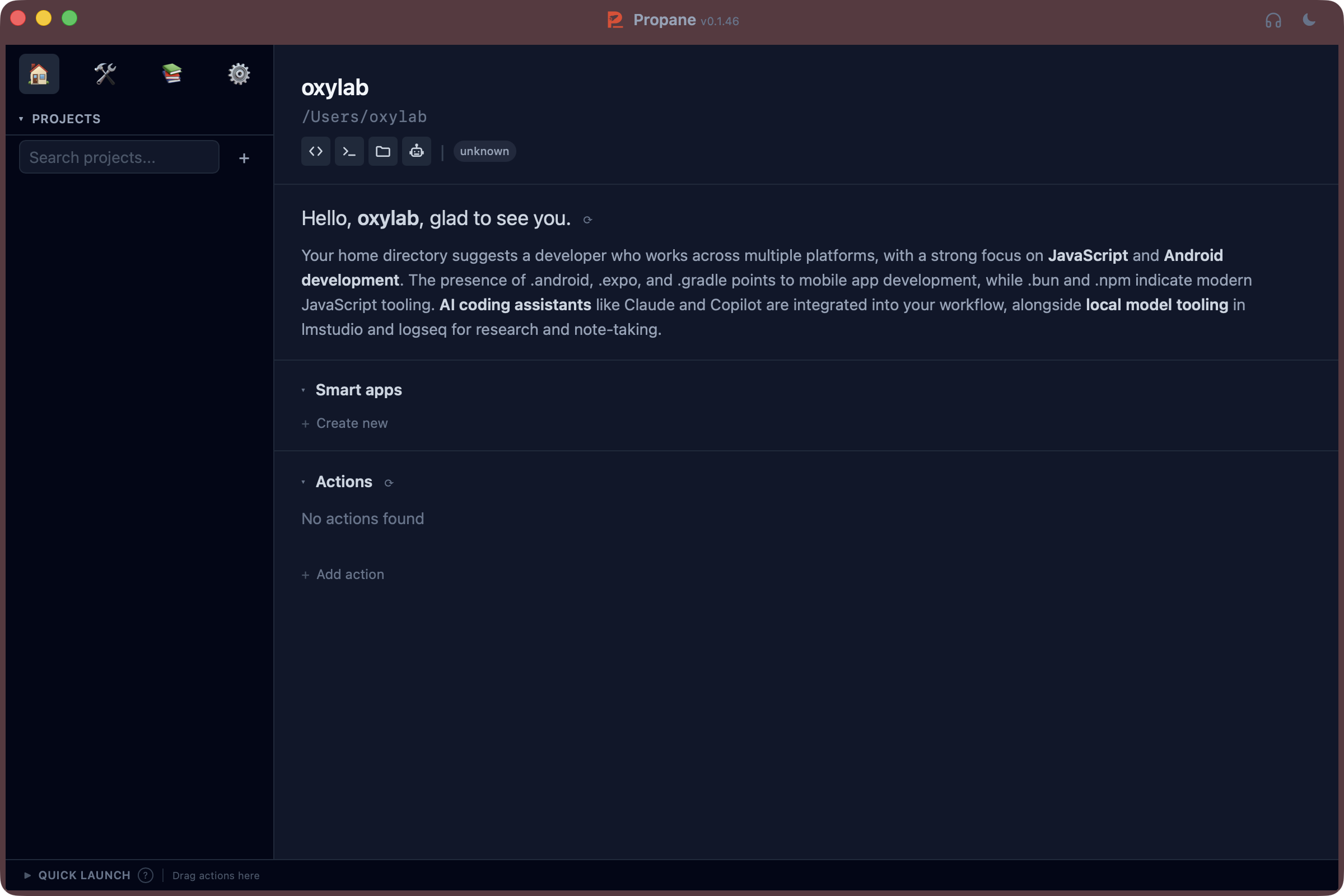
It sets itself up. You make it yours.
Open a workspace
Point Propane at a project or a folder. It looks at what is inside and sets up your first tool decks, so you start with something useful instead of a blank page.
Describe what you need
Don't like a tool deck? Say what you want in plain words. Propane rebuilds it with the buttons, pages and views you asked for.
Open the code if you like
Every tool deck is a small app under the hood. If you are technical, open the code editor and change anything you want.
Meet the tool deck.
A tool deck is a small app for one job. It gets its own icon in your workspace, opens in a window or right beside your work, and has as many pages as it needs. The buttons, the views and the actions inside it are whatever you ask for.
A coding project might get Testing, Performance and Logic map. A photographer might build Client delivery. A trader, a Morning scan.
Describe the tool you wish you had.
Propane is early. Get on the list and you will be first to try it.